I've been slowly chipping away at this project for a number of week now. But I finally completed entering all of the location date from the Storm King's Thunder into Realm Works as an interactive map.
Now I can click all over the realm to find out more information about the area!
This is achieved using the Smart Image functionality within Realm Works.
In my last video I showed how to create a dungeon map using Campaign Cartographer 3+. Watch it here
Creating a map is great. But how do you go about using it at the table?
This video runs through an application called MapTool. It's a VTT solution that works great for those of us using VTT software at the table. Alot of people love Roll20 and Fantasy Grounds, which are both amazing applications, but I had a few requirements I needed met, and MapTool met them all.
My Requirements:
Offline (my internet connection was dodgy in my game room)
Ability to control the player screen from the DM screen (Server and Client)
Free if possible
Ability to control Fog of War
Examples of what it looks like displayed on the actual table.
Lately I have been seeing the same question getting asked close to 3 times a day...
"What software can I use to create maps for my RPG?"
It's a good question and one that has alot of different answers.
First I would suggest you get familiar with The Cartographers' Guild. This is a great resource for cartographers. Specifically, they have an entire sub-forum to discuss the various software that can be used to create maps.
Having spent some time there I decided to purchase Campaign Cartographer 3+.
Pro Fantasy create CC3+ and state on their web-site that they have led the field in map-making software for gamers for 20 years! It's a big call to make but lets you know instantly that this is not a new piece of software coming onto the market. This is established, with a fan base and community to support it. This is something I always look for with my RPG software as alot of software rarely makes it to the official launch phase.
This is particularly important for CC3+ as there are a HUGE amount of assets made available by the community. You just need to download them are start using them to create amazing maps! Check out the CSUAC and Dundjinni Archives if you plan on using CC3+!
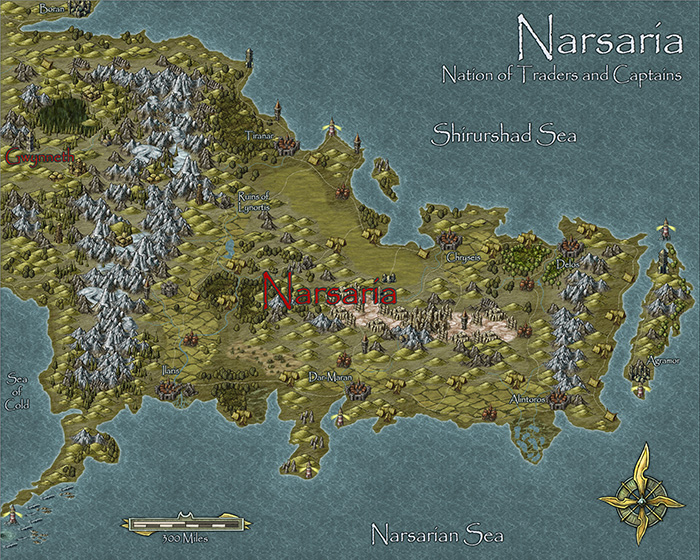
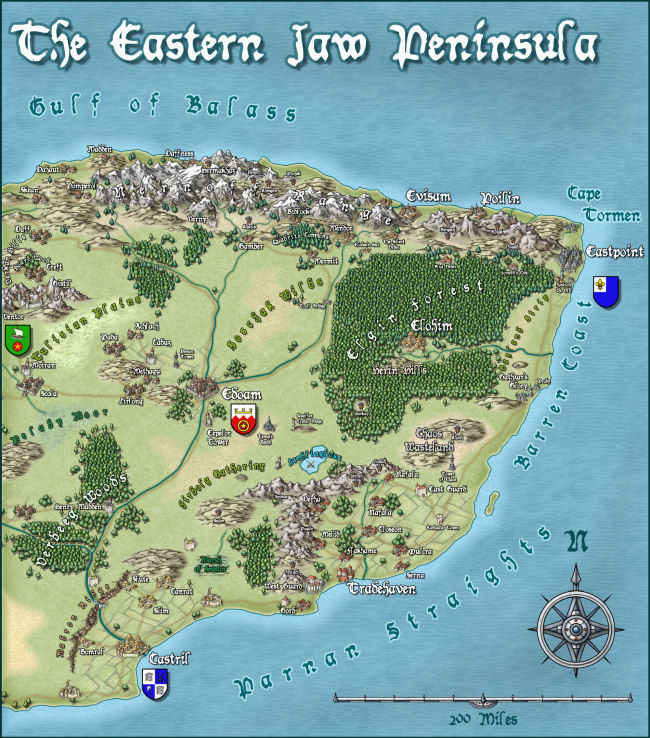
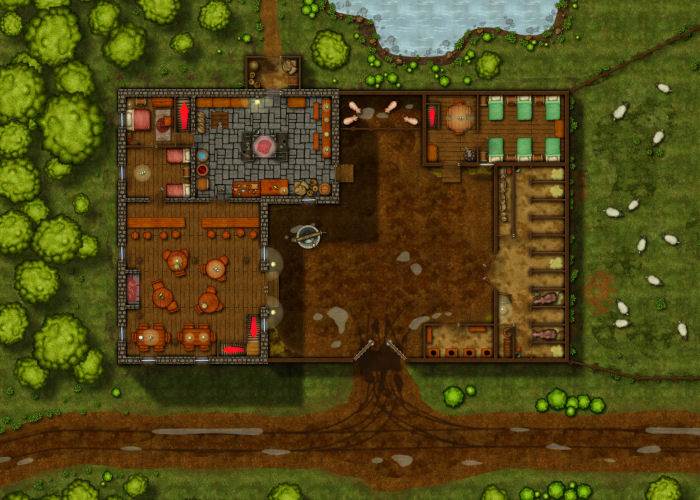
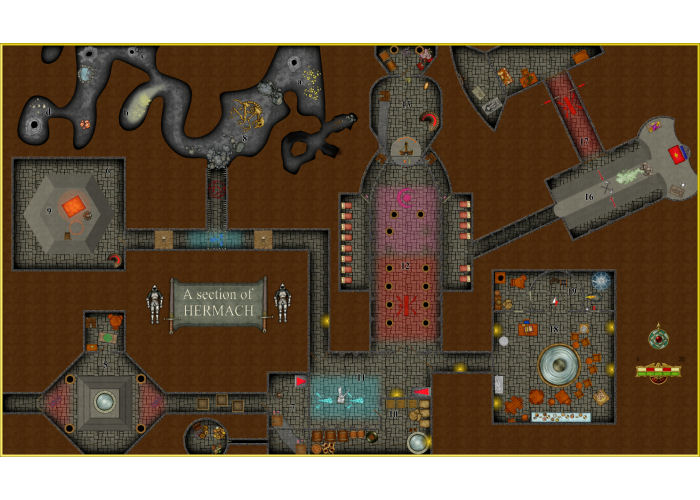
Check out the video below to see the software in use. I've only been using it for a few weeks, so I have included some amazing maps below made by experienced users so you see can the real potential of this software.