Showing posts with label D&D Digital Tools. Show all posts

Monday, 13 February 2017

Realm Works - EighBitz's XML Transformation Script (Export your realm to HTML or Word)

When Realm Works released the ability to import and export data something quite unexpected happened over on the forums. A community member by the name of EightBitz turned around within a couple of days and gave us a script that was capable of taking a Realm Works export and turning it into a HTML page! It was a significant achievement but apparently he was not finished yet.

I took another look at his script today to see what has changed and to be honest, I was blown away.

You can get a copy of the script from HERE.

It now includes a GUI! This makes it much easier to use and the learning curve for using it is significantly reduced. Simply download the file above and export the content into a folder. Now run the GUI file (RWExportGUI.ps1).

Once the GUI loads you basically fill in the options and select the type of output you want.

HTML - This exports as a HTML page. It includes functional links and pictures!
WORD - THis exports to Microsoft Word. This automatically creates a table of contents and something I'm excited about is it enables you to use Word's spell check functionality to check your realm for spelling errors. If you are preparing something for the content market you might want to check this out!

Check out the video below of the script in action.


Realm Works - Working With Random Tables

In this video I show how I setup random tables within Realm Works taking advantage of the auto-linking functionality.


Building further on the need for random tables I looked into some 3rd party options to auto generate random table results. I was very happy with the results. In the video below i use Inspiration Pad Pro 3.0 to automatically display results. 


Many people prefer to use the Donjon website to return random table results. Well I did some testing and Realm Works can be configured to display random table results from a single click!


Realm Works - Using Storyboards

In this video I show how to use Storyboards to create flow charts within Realm Works. This lets you map your stories out in a way that's efficient to use at the table.


Realm Works - Integration With Spotify

In this video I show how to create URL links within Realm Works that can be used to trigger play-lists and songs within Spotify.


Friday, 13 January 2017

Wednesday, 7 December 2016

Realm Works - A Player's Guide To Configuring A Digital Spellbook or Player Hand Book

In this video I show how to use Realm Works as a player.

Setting the tool up as a digital spell book. Either as a book of every spell I can possibly come across or even just a personal spell book of the spells I know.

I also show how this can be used in the same way as a digital Player Hand Book taking full advantage of the links to better navigate the book.


Realm Works - A Player Tour

In this video I move to the other side of the DM screen and give a tour of Realm Works from a player perspective.

See how it can be used as a journal of what you have encountered so far in your game. Locations, people, items, story elements. 


Thursday, 1 December 2016

TokenTool - Creating Tokens For Your Game

In this video I show the use of a very simple application that speeds up the process of creating tokens for your games. Whether you are using them in a Virtual Table Top or printing them for use at a physical table. This free application speeds up the process of creating better looking tokens. It takes me about 3 minutes to complete the process of creating a new token and loading it into Roll20.


Saturday, 26 November 2016

Realm Works and Hero Lab - Managing Massive Encounters

We had a massive session last night that led me to thinking about the benefits that Realm Works and Hero Lab bring to the management of large combat encounters.

We ended up with 80+ enemies fighting 7 players and 11 NPCs.

I had a co-dm who played the commander of the enemies. He decided what they were doing and when they were doing it. He rolled all the dice. I determined the results of those dice and directed the encounter, managed the HP pools and initiative.

It was exhausting, not going to lie. We played for 6 hours and only did about 5 rounds all up.

In the video below I show how I prepared the encounter files in Realm Works and managed the bulk initiative and handling of HP pools for all the enemies.


Monday, 14 November 2016

Realm Works - Where Do I Begin?

So one of the challenges with Realm Works is it's a massive piece of blank paper.

Starting out can be overwhelming and the question is often asked, where do i begin?


Saturday, 12 November 2016

Realm Works - Working With Tags and Creating Custom Categories

Here I had a play with using Tags within Realm Works to see what sort of functionality I could obtain by placing tags on specific content.

I played largely with Monsters, adding a tag for the creature type. I like the way this gives me the ability to easily filter on all 'Beasts' or all 'Fey' creatures.

I then go on to show how I added the custom tag to all of my monster categories and from there showed how to create a completely new custom category.


Realm Works - Forgotten Realm (Faerun) Interactive Map

I've been slowly chipping away at this project for a number of week now. But I finally completed entering all of the location date from the Storm King's Thunder into Realm Works as an interactive map.

Now I can click all over the realm to find out more information about the area!

This is achieved using the Smart Image functionality within Realm Works.


Sunday, 6 November 2016

Hero Lab - Player Character Creation Software - A Player Tour for D&D5e

Many would argue that you don't need software to assist with the creation of Player Characters (PCs) in D&D 5e. And they are correct, you don't... I do however want software to assist the the creation of PC's.

I spend quite a bit of time playing with brand new people. My ground and I have only been playing for around two years. We are surrounded by people who love board games but have never played a table-top RPG. These are the type of people that want to come to the table and try it, but don't necessarily want to read the Player Hand Book prior to trying it for the first time.

This is where Hero Lab shines in my opinion. I can sit a player in front of my PC for a few minutes and quickly whip them up a character in a method that feels familiar to the new player as it follows a similar process to many RPG video games.

Then I simply print the sheet out for them and it comes with all the descriptions for spells and abilities. I can't stress how much simpler this is for introducing new people to the game.

It's not just handy to new players though. My experienced players love using it as it reduces the down-time at the table usually involved with people having to stop and look up rules from within the books.

Check it out below.


If you decide to pick up Hero Lab for 5e be sure to get the D&D 5e Community Pack.

Friday, 4 November 2016

Realm Works - Managing Merchants and their Wares

A simple video today showing show to setup Merchant shopping lists within Realm Works that can be used over and over again. This is a simple concept utilizing the core functionality of the Realm Works linking that goes to show why the software can reduce your prep time at the table.


Thursday, 3 November 2016

CC3+ / DD3 - How To Create Basic Dungeon Maps

This video runs through how to make a simple underground dungeon map using Campaign Cartographer 3+ (with Dungeon Designer 3).

If you would like to know more about CC3+ then click HERE.

After watching this video you should be capable of creating and outputting a simple map for use at your virtual table top.


Once you have created your map, check out this video to see MapTool in action.

Tuesday, 1 November 2016

Realm Works - Playing Sounds at the Table

So playing sound at the table is something I have been looking at doing. The room is ready with speaker in place so I am physically able to do it.

What's missing for me is an efficient way to manage the database of music and sounds and an efficient way to play those sounds at the table.

Now given I already have Realm Works, Hero Lab and MapTools running when I DM, I would ideally like to avoid having yet another stand-alone app to micro manage. With that in mind I played around today with different methods to include sounds and music within Realm Works and played around with triggering those sounds from my module content.

I'm still not happy though, and I would really like to hear people's thoughts and ideas on a better way to play and manage sound at the table.


Software to Create RPG Maps

Lately I have been seeing the same question getting asked close to 3 times a day...

"What software can I use to create maps for my RPG?"

It's a good question and one that has alot of different answers.

First I would suggest you get familiar with The Cartographers' Guild. This is a great resource for cartographers. Specifically, they have an entire sub-forum to discuss the various software that can be used to create maps.

Having spent some time there I decided to purchase Campaign Cartographer 3+.

Pro Fantasy create CC3+ and state on their web-site that they have led the field in map-making software for gamers for 20 years! It's a big call to make but lets you know instantly that this is not a new piece of software coming onto the market. This is established, with a fan base and community to support it. This is something I always look for with my RPG software as alot of software rarely makes it to the official launch phase.

This is particularly important for CC3+ as there are a HUGE amount of assets made available  by the community. You just need to download them are start using them to create amazing maps! Check out the CSUAC and Dundjinni Archives if you plan on using CC3+!

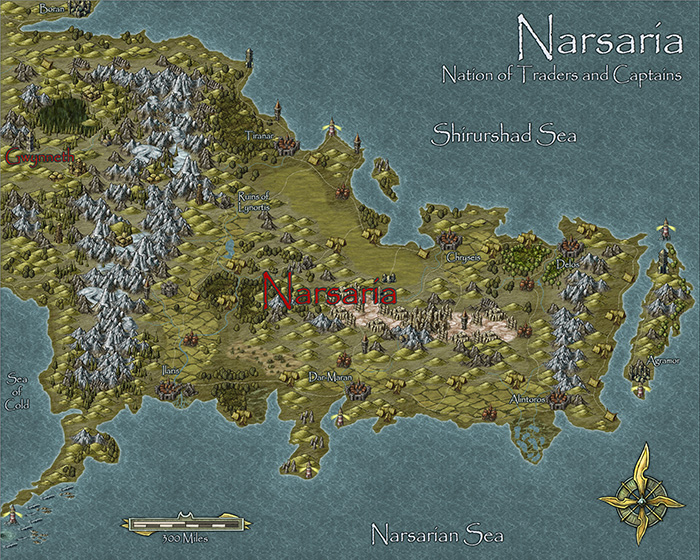
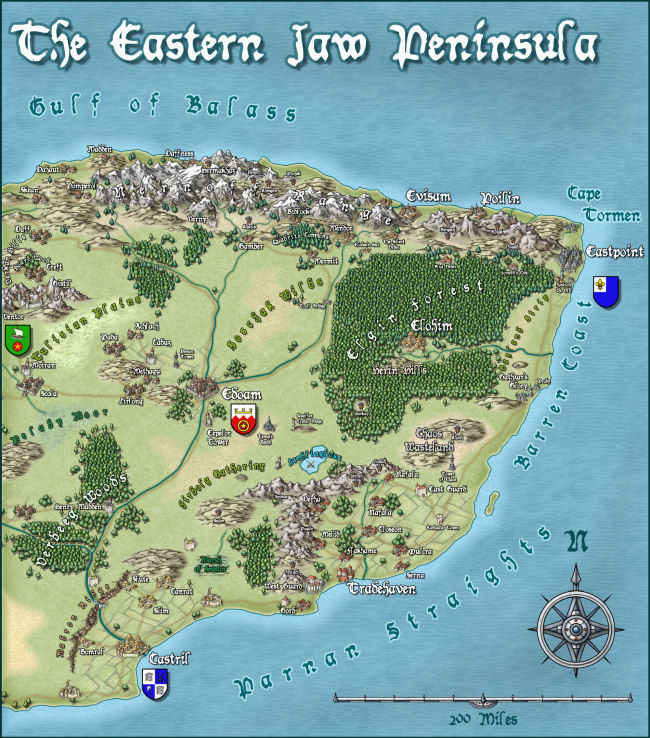
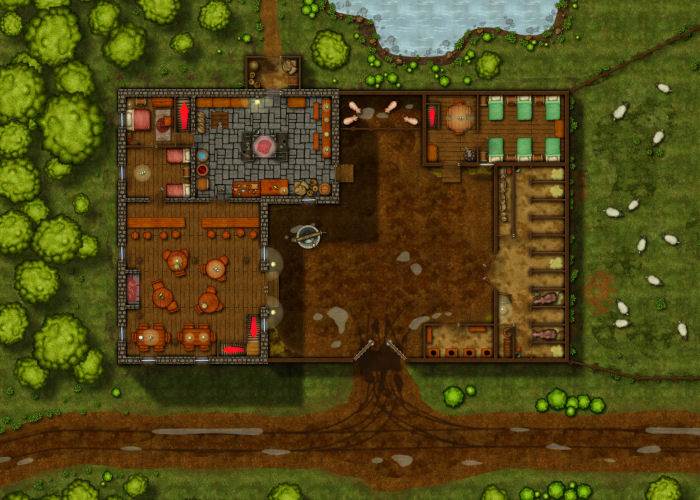
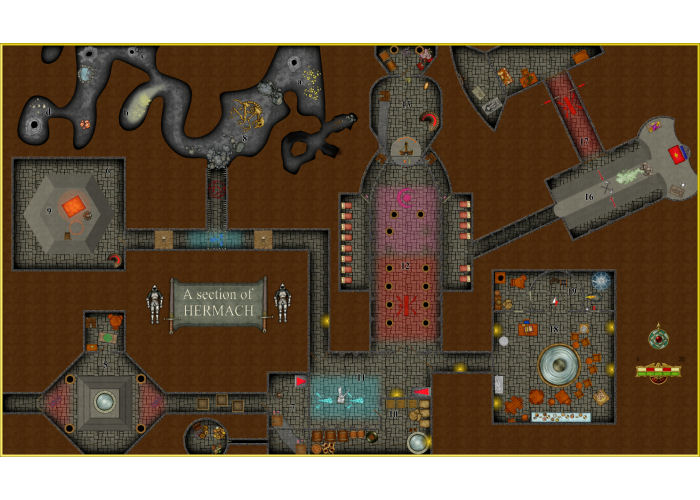
Check out the video below to see the software in use. I've only been using it for a few weeks, so I have included some amazing maps below made by experienced users so you see can the real potential of this software.


Campaign Cartographer 3+ is designed to make overland maps. 

Dungeon Designer 3 is an add-on to assist in the creation of Dungeons and Floor-plans.

City Designer 3 is an add-on to assist in the creation of cities and towns. 

I don't own it yet but I'm keen as mustard to try out the Perspectives 3 add-on so I can make some isometric maps!


There's also quite a few more add-ons so be sure to check out the Pro Fantasy Website!


Friday, 21 October 2016

Realm Works - Creating Worlds

I run through a tour of how I setup the D&D world within Realm Works. Starting with the Planes of Existence and zooming all the way in to a planet, body of land, location and even the NPC living in that location within the world.


Sunday, 16 October 2016

Upgrading the Projector Setup

I finally got sick of the huge mirror cutting my game room in half. It worked well to bounce the projector image onto the table, it certainly made a large output, but it made the room feel cramped.

Here's what the old mirror looked like. It was ugly and made the room feel cramped!


The projector was mounted to the roof, aimed at the huge mirror which beamed the image onto the table. It created a massive image which spanned 2x trestle tables which was great but ultimately the picture was weak and the keystone correction was completely off.


So i set about trying to replace the huge mirror with something more suitable that would be mounted to the roof.

I went down to our local scrap-yard and scored a huge win. A huge piece of First Surface Mirror just sitting there begging to be brought home. It was a full body length piece! I couldn't believe my luck when the lady at the front only charged me $7 for the whole thing!

I purchased a glass cutter to get it to a better size and mounted it to some wood with liquid nails. Added a hinge and mounted into to the roof.

The result have been a significant improvement. The image in clearer and brighter. The image beams straight down to there is very little shadowing beneath the models now and the keystone correction is now perfect.

Testing the positioning for the mirror. 

Mirror installed, playing around with the angle.

Happy with the position and angle and gave the mirror a clean.
The town of Red Larch beaming to the table. 

Temple of the Crushing Wave with Fog of War. 

I had to remove the original lights to make room to mount the mirror. I went with this spider like light system allowing me to install a light behind each side of the table. Also in the process of getting a dimmer switch installed to allow greater visibility of the table while still enabling light. 


A shot of my game room in all it's messy glory. You can see the table projection working and the extra monitor above my DM station. I use this to display monsters, npcs and handouts from Realm Works to my players. 

A closer shot of the setup as the players see it.
The view from my DM station. 

Overall both myself and my players are much happier with this setup. Well worth the investment.


Friday, 14 October 2016

Realm Works - Prepping a Module

This video is probably a bit long winded for most but I took a crack at showing the process of entering a PDF into Realm Works. It might be of interest to some.